What It Actually Takes to Read an Invoice with AI
Handing a model a clean PDF invoice and getting back a vendor name, a date and a total is a genuinely impressive afternoon of work. It is also the easiest ten per cent of the problem, and mistaking it for the whole problem is the most common way document automation projects go wrong.
The invoices a real business receives are not clean PDFs. They are phone photographs taken at an angle, scans of faxes, six unrelated invoices merged into one twenty-page file, spreadsheets exported to PDF with the columns clipped, and the occasional file that is technically a PDF but contains nothing except a single flattened image.
Classification comes before extraction
The instinct is to point the extractor at every incoming file. That fails quietly and expensively, because an extractor asked to find an invoice number in a delivery note will usually find one. Models are obliging that way. You get a confident, well-formatted, entirely fictional result.
So the first stage is a classifier that decides what a document actually is — invoice, purchase order, lien waiver, statement, something else entirely — and routes accordingly. Anything it cannot place goes to a person. That queue is not a failure of the system; it is the system working.
Splitting is its own problem
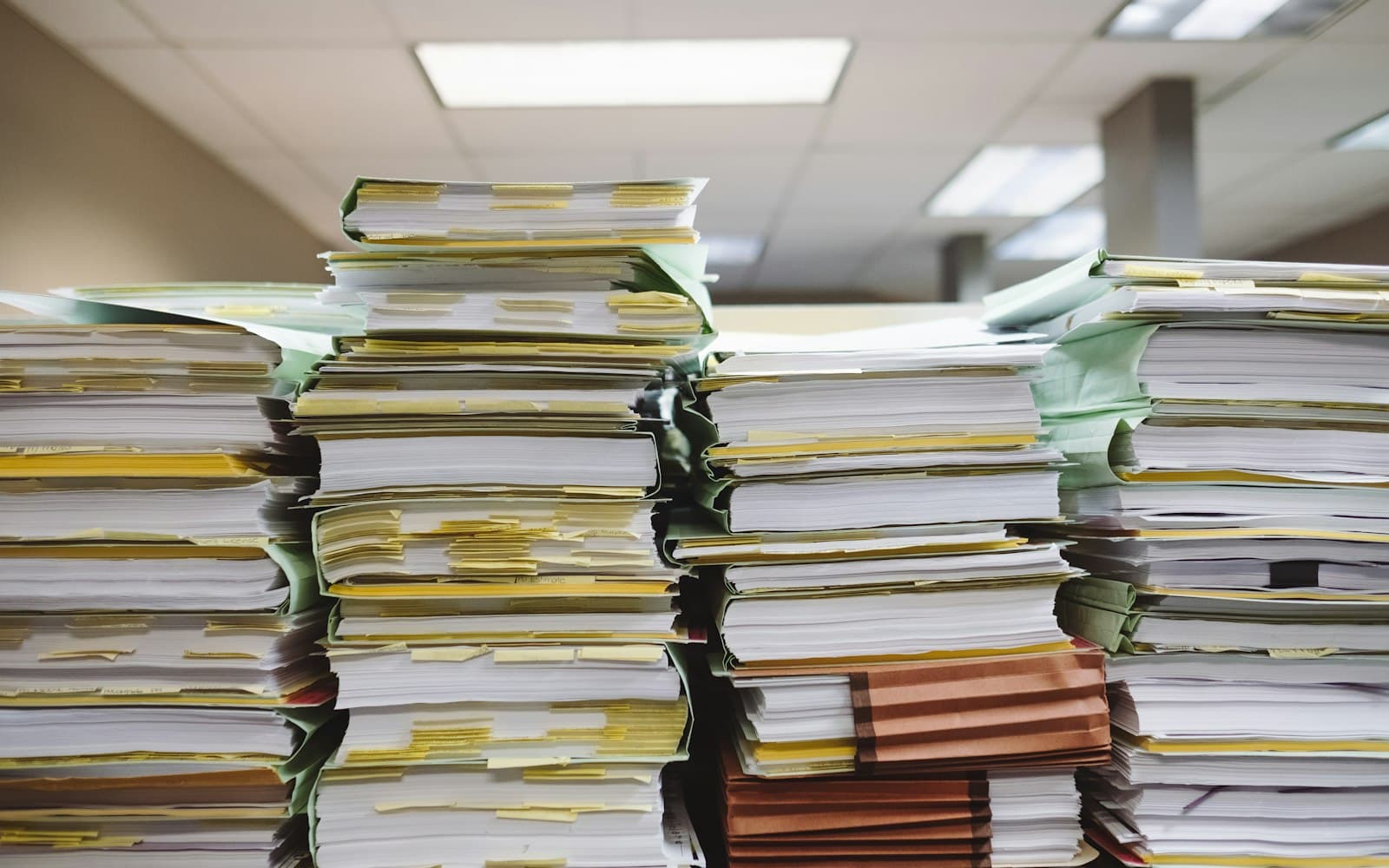
Accounts payable inboxes receive one file containing many documents constantly. Someone scans a stack, and now four invoices from three vendors live in a single PDF. Splitting that correctly has to happen before extraction, and it cannot be done on page count alone — invoices run to different lengths, and a two-page invoice split down the middle produces two wrong records instead of one right one.
The signals that work are the ones a person uses: a new letterhead, a restarted page numbering scheme, a change in the invoice number, a total that concludes a table. Getting this stage wrong contaminates everything downstream, and it does so silently.
Vision models and OCR are not competitors
Modern vision models read documents remarkably well, including layouts that defeat traditional OCR — multi-column tables, handwriting in the margins, stamps over text. They are also slower and cost more per page, and they will occasionally produce a plausible number that is not on the page.
Conventional OCR is fast, cheap, deterministic, and hopeless at layout. The sensible architecture uses both: the vision model for the primary read, OCR as a fallback when the document is simple or the model is unavailable, and a repair pass for the PDFs that are structurally broken before either one gets to see them.
Design for being wrong
Extraction accuracy is a distribution, not a number, and finance teams do not care about your average. They care about the invoice that was posted to the wrong vendor for the wrong amount and cleared before anyone noticed.
- Return a confidence signal per field, not per document — the total can be certain while the vendor is a guess.
- Validate arithmetic. Line items that do not sum to the stated total is the single highest-value check you can run, and it is free.
- Cross-reference against data you already hold. A vendor name that matches nothing in the ledger deserves a human glance.
- Keep the source image joined to every extracted record, so a reviewer can confirm in two seconds instead of hunting for the original.
- Make the review queue a first-class part of the product. It will never be empty, and pretending otherwise produces a tool nobody trusts.
What good looks like
A document pipeline worth running does not eliminate the finance team's work. It changes the shape of it: from typing every field on every invoice, to confirming most of them at a glance and genuinely working the handful that are odd. That is a large improvement, and it is achievable. Full automation with nobody watching is not, and anyone selling it has not looked closely at what arrives in a real accounts payable inbox.